VCP VERICUT Composites Programming
VERICUT Composites Programming (VCP) reads CAD surfaces and ply boundary information and adds material to fill the plies according to user-specified manufacturing standards and requirements. Layup paths are then linked together to form specific layup sequences and output as NC programs for the automated layup machine.
VERICUT Fiber Placement Programming Process: Reads CATIA, STEP, Siemens NX, Pro E, Creo, SolidWorks, or ACIS surface models
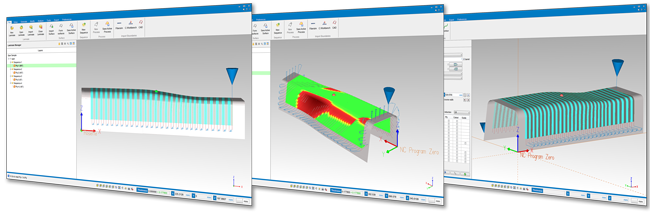
Reads Fibersim, CATIA STEP, or SAT external ply geometry and information
• Boundary geometry
• Ply direction
• Axis or rosette system
• Start points
Creates Geometry within VCP
• Axis systems
• Points, lines, & curves
• Add thickness to form for subsequent sequences
Generates layup paths based on manufacturing engineering specifications
• Rosette projection at specified angles
• Parallel to guiding curve
• Following the natural path of the form’s surface
• Limited material steering
• And more…
Visualizes roller orientation
• Display roller and machine head to avoid collision
• Detect roller collision
• Visualize roller conformance to layup surface
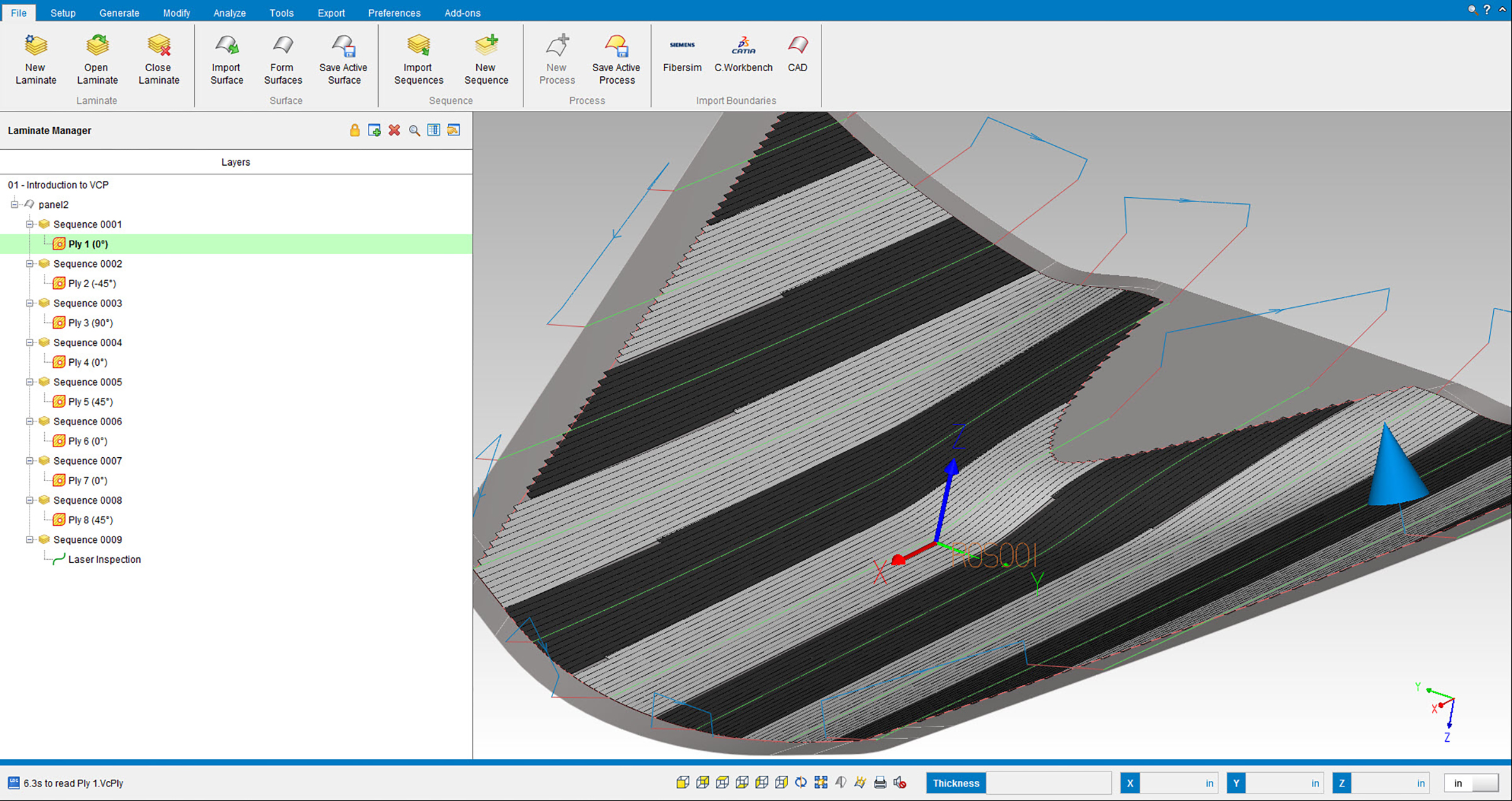
Links paths to create form layup sequences
• Automatically or manually link paths based on shortest distance and form’s topology
• Insert machine-specific commands and actions
• Insert safe start and restart events
• Fully support spinning, stationary, and alternative rotisserie axes
Post-processes linked paths
• Output per machine requirements
• Configurable machine-specific events and feed rate optimizations
• Output safe start and restart sequences
Optimizes the quality process
• Export XML files for laser projectors
– Head paths, ply boundaries
– Safe restarts
– Tow Gaps & More
Calculates & balances material usage
• Keep track of material on each spool
• Alter head paths to re-distribute material
Checks material conformance
• New Heat map
• Visualize ply angle deviations, steering violations and roller compression
• Pin point most severe material violations
Analyzes gaps, overlaps, and staggers
• Highlight excessive overlaps, and gaps
• Calculate the sum of gaps and overlaps
• Control and stagger splice locations
• Visualize areas of course convergence