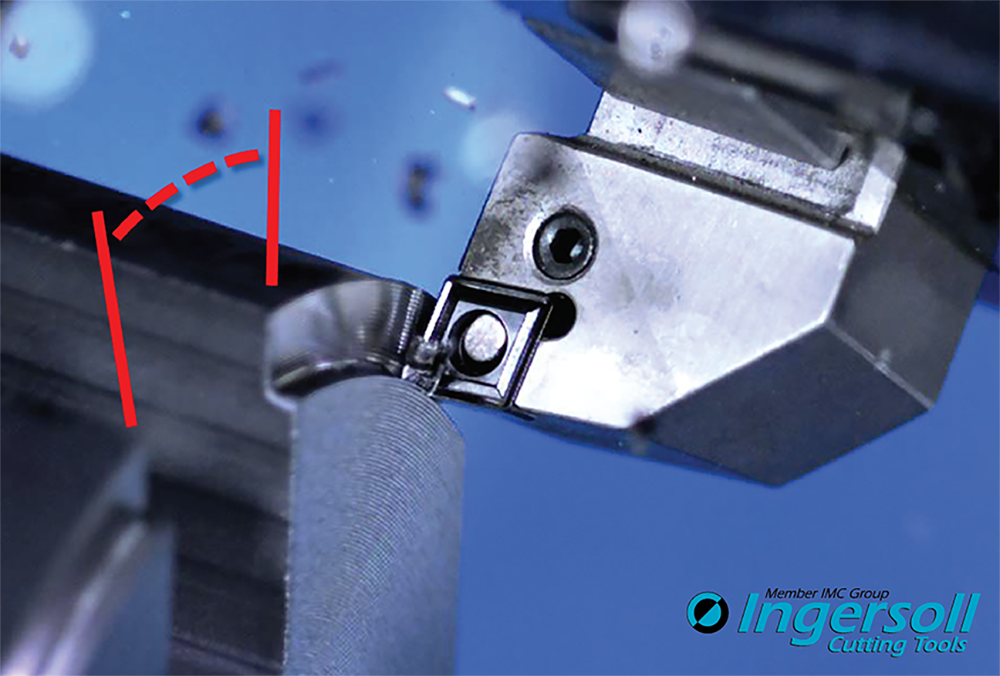
Collision & Performance
VERICUT improves accuracy to collision checking and overall performance. Users gain substantial speed increases for deep concave collision penetration, turning operations (especially inside diameter work on large parts), and collision checking between highly detailed models such as those having high triangle counts. Simulate material removal at tight cutting resolutions up to 30% faster.
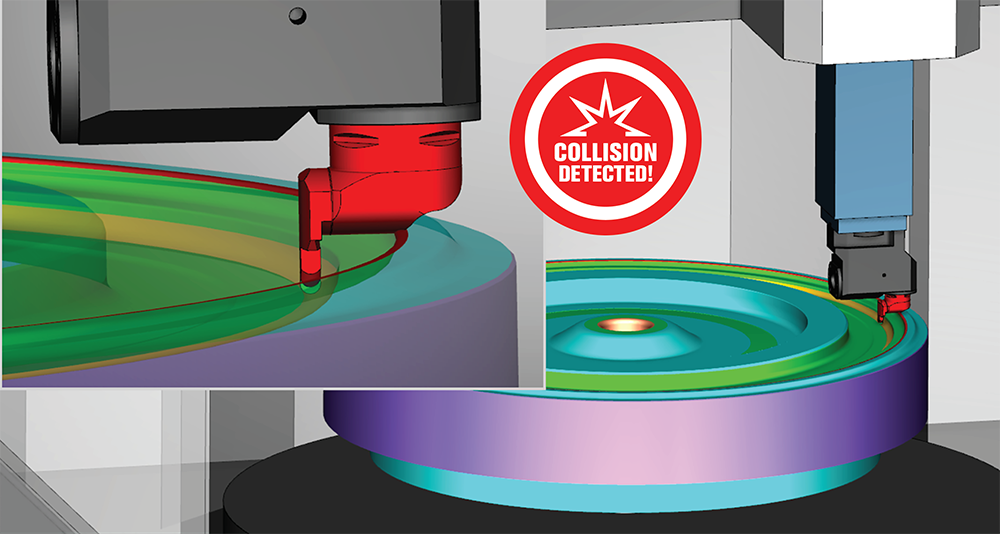
New 3DLive™ Interface
Simplify the VERICUT machine building process and create more realistic setups in a matter of seconds by importing 3DLive data. Import GDML format files containing 3D geometry, including colors for CNC machines, fixture components and cutting tool holders- along with kinematic information, travel limits, min/max feed rates for axes and initial machine position.
*3DLive™ is a registered trademark of MachiningCloud, Inc.
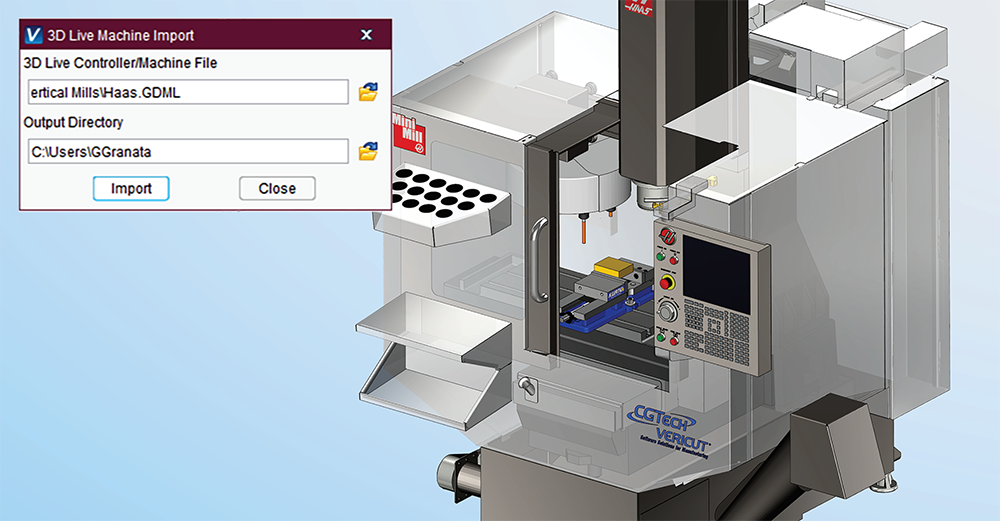
Enhanced Support for Cutting Tools
VERICUT features easy-to-define cutting tools: Spherical and Conical End Mills, plus new Thread Mills. Hole Making cutters defined via Profiles or CAD models can now specify the type of cutter it represents (Drill, Reamer, Tap, etc.) enabling VERICUT to check for machining errors according to that tools’ capabilities and limitations.
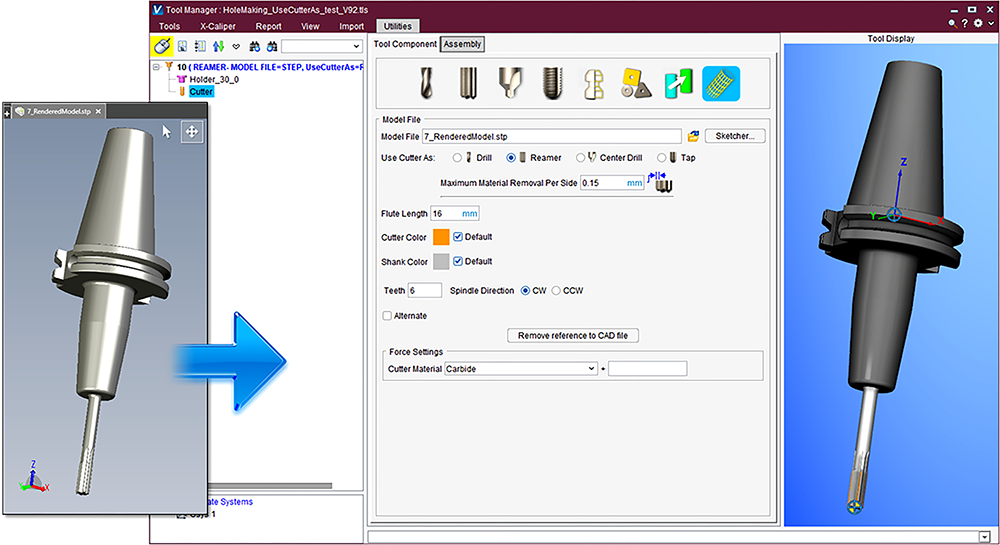
Enhancements for Tool Reporting
Create reports with detailed cutting tool information quickly using:
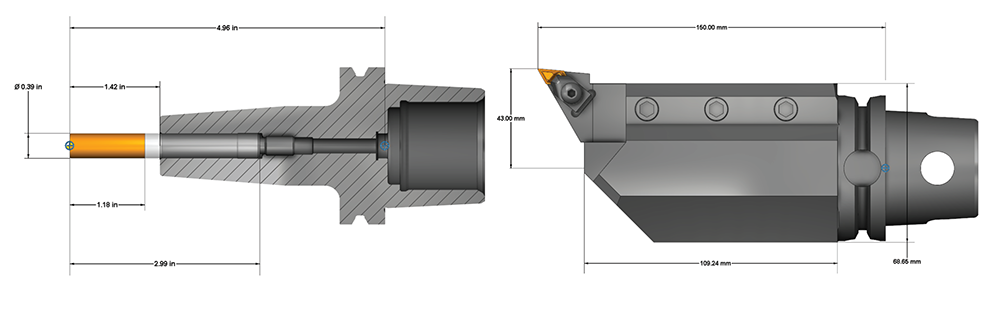
- Automatic Dimensioning for Mill and Hole Making tools, including parametric cutter values, Flute Length, overall Height, Stick-out and Gage distances.
- New Section capability in Tool Manager - Section tool holders or entire tool assemblies to ensure cutters and adapters fit properly inside the holder.
- New dimensioned tool images available in reports.
More Options for Optimizing
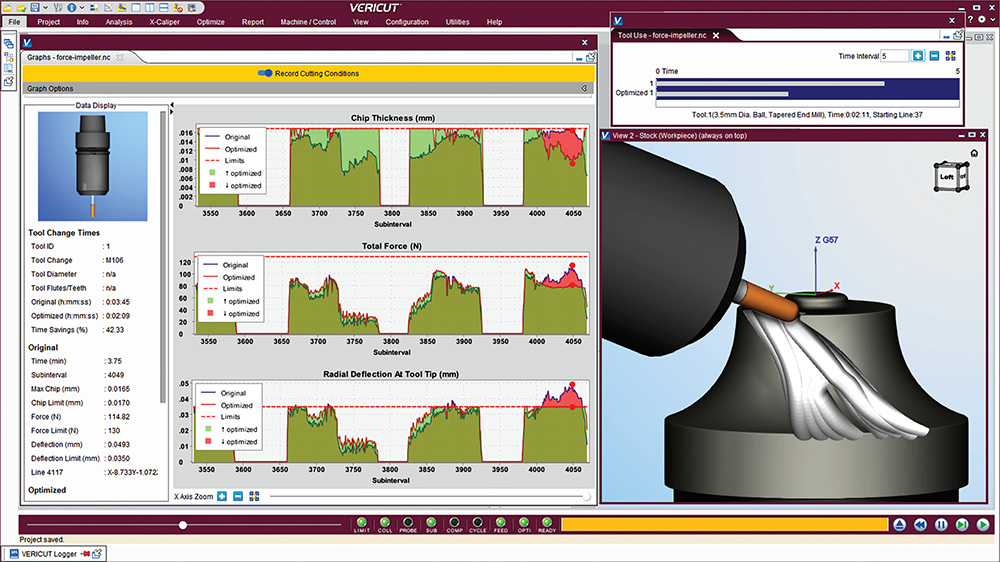
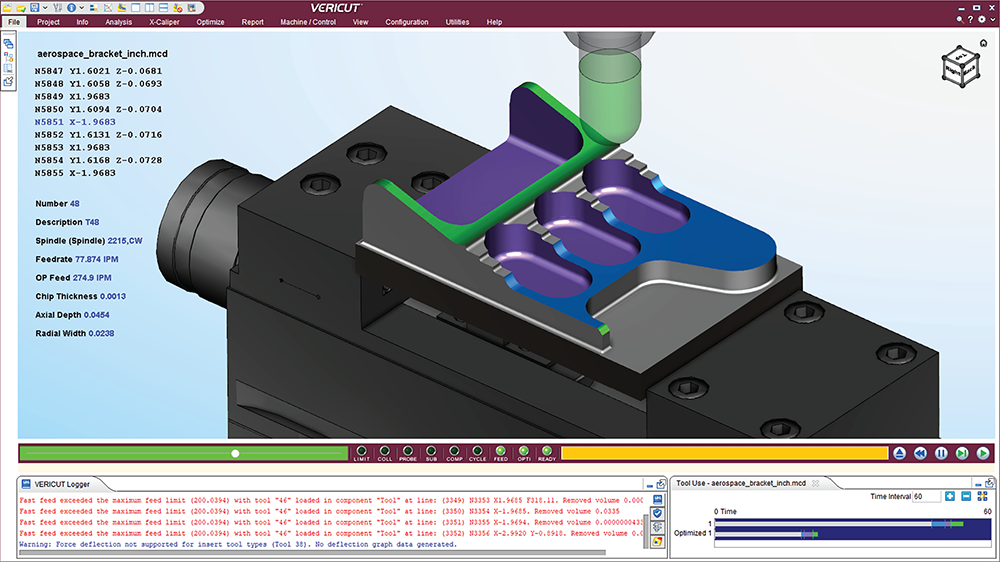
Optimize your programs by setting target Chip Thickness and any combination of Force limits, including:
- Maximum Force
- Maximum Power
- Maximum Tool Deflection
OptiPath has a new “Learn” mode which enables users to choose how aggressively to learn from current cutting results. “Learn From Results” in Graphs can send Force or OptiPath optimization settings, or change optimization strategies for corresponding cutters. Force can now also control the spindle speed.
Dockable Graphs and Tool Use Windows
The Graphs window combines Info Graphs and Force Charts in a new comprehensive and configurable Graphs window. Select any combination of Cutting Conditions and Force Conditions to view in graphs, display cutting limits, and compare optimized versus original values. A new Tool Use window provides convenient views of tool and program run times, as well as optimization savings. Dock either window in your VERICUT desktop to see the information in real time during simulations.
Reports
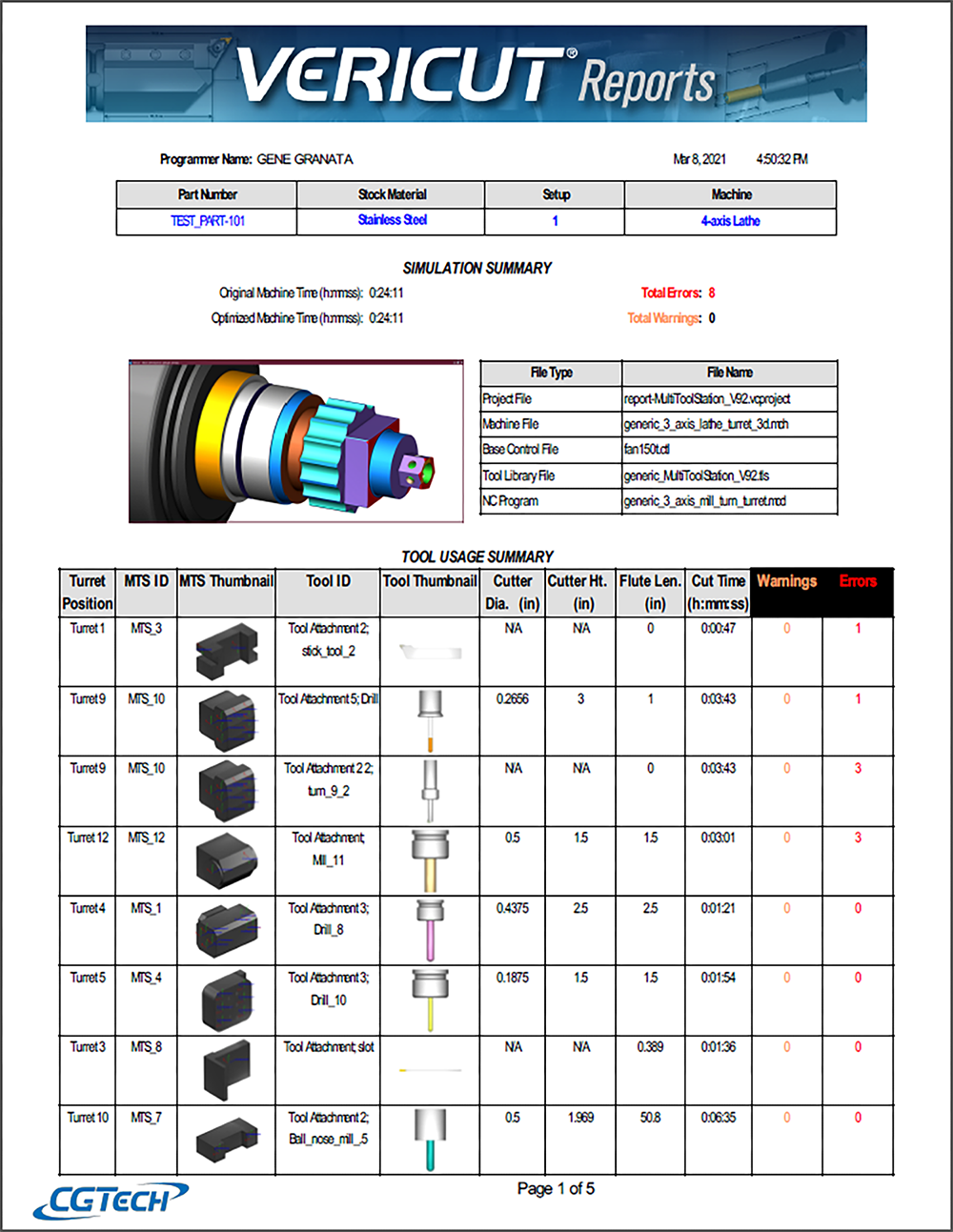
- Detailed reporting for tools set in Multi Tool Stations
- Enhanced table formatting, including user defined text fonts, header and cell colors
- Editable inspection measurement and tolerance value(s)
- “Instrument” choice and column in Inspection table
Force Turning
Extend the life of your turning inserts with new ‘Adjust Turning Interrupted Cut’ settings that slow feed rates on motions through gaps or obstructions on turned parts.